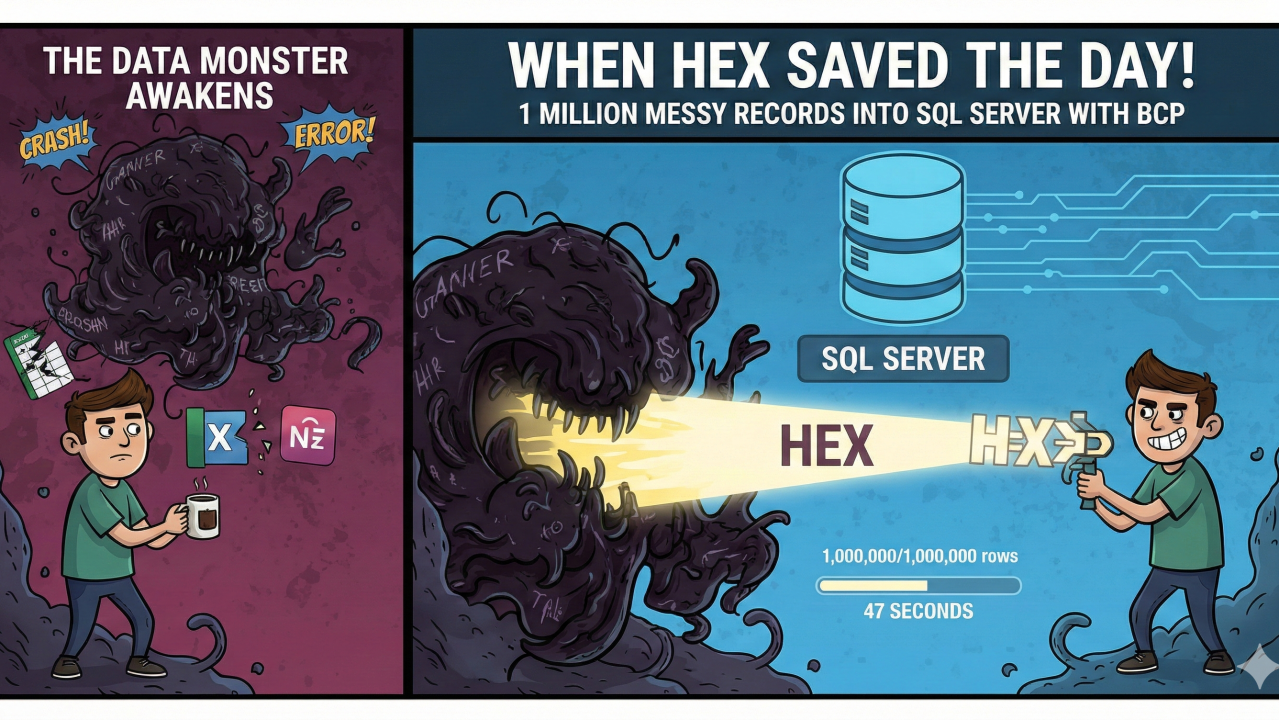
Importing 1 Million Messy Records into SQL Server with BCP
The Setup: A Data Monster Awakens
Picture this: Wednesday morning, coffee in hand, when the boss drops the file. An Excel behemoth with 1,000,000 rowsof customer data destined for SQL Server preprocessing. Unicode characters from every corner of the globe. Text fields stretching into paragraphs.
“Just use BCP, it’ll be fine,” they said.
Spoiler: It wasn’t. But we conquered it. Here’s the gritty play-by-play.
Act 1: The Tools That Betrayed Us
We threw everything at it:
- Excel Power Query → Hung at 200K rows, Unicode mangled into question marks 💥
- Apple Numbers → Beautiful UI, destroyed all extended characters 😿
- OpenRefine → Cleaning wizard, but CSV/TSV exports? Columns collided like rush-hour Mumbai traffic
- Custom delimiters (|, ~, :, even †) → All appeared in the wild data
The Diagnosis: Frequency Analysis
cut -d$'\t' -f1 messy_data.tsv | tr -d '\n' | sort | uniq -c | sort -nr | head -20Reality check: Every printable ASCII character appeared at least 50K+ times. No safe delimiter existed.
Act 2: The HEX Awakening
BCP’s secret weapon? Hexadecimal terminators. We needed a control character absent from the data.
Chosen: 0x1C (ASCII File Separator)—rarely used, BCP-friendly.
The Pipeline:
- OpenRefine Export: Set field separator to 0x1C (treated as literal text)
- sed Hex Injection (critical step):
sed 's/0x1C/\x1C/g' openrefine_export.txt > bcp_ready.txt- The Victory BCP Command:
bcp YourDatabase.dbo.StagingTable in bcp_ready.txt -c -F 2 -u -t0x1C -r "\n" -qParameter Breakdown:
Flag      | Purpose               | Why It Mattered
----------|-----------------------|--------------------------
-c        | Character mode        | Handles text/Unicode
-F 2      | Skip first 2 rows     | Excel headers
-u        | Trust SSL cert        | Secure connection
-t0x1C    | Hex field terminator  | The magic bullet 🦸♂️
-r "\n"   | Explicit row term.    | No ambiguous line endings
-q        | Quoted identifiers    | Table/column names safe
Performance: 1M rows → 47 seconds on standard hardware. Zero errors.
Act 3: Why This Pipeline Wins
- BULK INSERT → Same delimiter hell
- SSIS → Overkill for one-off, slow startup
- PowerShell Import-Csv → Memory explosion at 1M rows
- Python pandas → 8GB RAM consumed, 12+ minutes
OpenRefine + sed + BCP = lean, mean, 47-second machine.
Your Battle Plan for Data Import Wars
- Frequency analysis → awk ‘{print substr($0,1,1)}’ | sort | uniq -c | sort -nr
- Control character hunting → 0x1C-0x1F family
- Test small → 10K rows first
- Monitor batches → Add -b 50000 if timeouts occur
- Verify post-import → SELECT COUNT(*), MIN(LEN(column)) FROM StagingTable
The Moral: When CSV Fails, HEX Prevails
This wasn’t just an import—it was data archaeology. Messy sources demand creative weapons. Skip the heartbreak of delimiter roulette. Embrace hex control characters.
What’s your wildest data import story?